VIDIQ Review 2026: Features, AI Credits, Pricing, and Growth Signals
Navigating the complexities of YouTube growth requires tools that turn vast amounts of search data into actionable publishing decisions. VIDIQ stands as one of the most prominent software suites designed specifically to help content creators discover topics, optimize metadata, analyze competitors, and track performance. However, evaluating whether the platform justifies its monthly cost demands a clear look beneath the surface. We must assess how its data points are calculated, how its generative artificial intelligence features consume monthly allocations, and where its strategic boundaries lie relative to YouTube’s native analytics tools.
Table of Contents
• Key Takeaways
• What Is VIDIQ and How Does It Work?
• Core Features, Search Metrics, and Data Accuracy
• AI Credits and Workflow Economics
• VIDIQ vs TubeBuddy: Finding the Right Creator Tool
• Plan Selection Framework: Free, Boost, and Max
• Common Risks, Known Bugs, and Optimization Pitfalls
• Frequently Asked Questions
• Sources
Key Takeaways
• directional Data: VIDIQ provides search volume and keyword difficulty scores that function as relative directional estimates rather than exact native metrics directly from YouTube.
• Pre-Publication Focus: The software shines during topic discovery, title brainstorming, and competitor intelligence, but it cannot replace YouTube Analytics for diagnosing viewer retention or revenue performance.
• Credit Economy: Generative AI tools (including description generators, thumbnail ideas, and AI Coach suggestions) run on monthly credit quotas that do not roll over from month to month.
• Plan Alignment: The free plan offers genuine utility for initial channel setups, while paid upgrades become cost-effective primarily when video publishing frequency demands rapid topic validation.
• Tool Complementarity: VIDIQ leans heavily into trend spotting and competitor ideation, whereas competing platforms like TubeBuddy concentrate more on bulk metadata management and split testing.
What Is VIDIQ and How Does It Work?
To evaluate VIDIQ effectively, we first need to understand its structural framework. The tool functions as a multi-tier SaaS platform operating across a browser extension, a central web dashboard, and mobile applications. Its primary goal is to help creators increase organic reach by demystifying YouTube’s recommendation and search algorithms.
The Core Platform Architecture
The software operates by layering competitive intelligence and keyword metrics directly over your web browser as you navigate YouTube, alongside providing a dedicated desktop environment for deeper channel management.
Chrome Extension Overlays vs Dashboard Tools
When installed in a web browser, VIDIQ modifies the standard YouTube interface by injecting analytical sidebars beside videos and search results. As you browse, the extension surfaces instant stats: subscriber counts of competing channels, estimated view velocities, tag lists, and optimization scores. Conversely, the standalone web dashboard aggregates long-term project planning, channel-wide audit reports, historical keyword tracking, and central AI features. This dual setup ensures immediate context during regular browsing while offering a distraction-free space for deliberate research sessions.
YouTube API Integration Boundaries
VIDIQ connects directly to your channel through YouTube’s official Application Programming Interface (API). This secure connection allows the platform to read video statistics, metadata fields, and channel settings directly from your account. However, strict privacy and security boundaries govern this integration. VIDIQ cannot execute actions without authorized consent, nor can it bypass YouTube’s internal rate limits. Understanding this relationship helps clarify why certain dashboard analytics update with slight delays relative to real-time YouTube Studio feeds.
Who Benefits Most from VIDIQ?
Different creators approach video production with distinct operational goals. VIDIQ targets several key user segments:
- New and Emerging Creators: Beginners seeking structured guidance on how titles, tags, and descriptions interact with video SEO.
- Niche Content Strategists: Channels operating in competitive verticals (such as tech reviews, personal finance, or gaming) that require persistent competitor tracking.
- Production Agencies and Multi-Channel Managers: Teams overseeing multiple brands that require scalable keyword discovery and AI-assisted workflow speed.
- Trend-Driven Publishers: Creators whose strategy relies on jumping quickly onto breaking news, emerging viral topics, or seasonal interest spikes.
What VIDIQ Can and Cannot Do for Your Channel
It is vital to establish reasonable expectations before integrating any software tool into your editorial routine. VIDIQ is designed to streamline front-end research, but it is not an automated magic button for growth.
• What it can do: Discover high-interest search terms, highlight videos performing far above a competitor’s average view count, generate initial title drafts, and audit metadata completeness.
• What it cannot do: Fix low video retention, produce engaging storytelling, guarantee algorithm promotions, or provide direct accounting for channel monetization metrics.
According to the surfaced TubeAnalytics review, vidIQ provides discovery and optimization signals but does not function as an authenticated ledger for YouTube revenue, RPM, retention curves, or audience-driven earnings changes. Ultimately, the software assists in getting your video noticed; your content quality determines whether viewers stay.
Core Features, Search Metrics, and Data Accuracy
A central component of VIDIQ’s value proposition rests on its keyword intelligence engine. Understanding how these metrics are constructed prevents common misinterpretations during the planning process.
Keyword Research and Search Volume Estimates
When you enter a term into VIDIQ’s search tool, the system returns a Search Volume Index alongside a Competition Score. A common misconception among creators is that these volume numbers represent exact monthly search counts recorded by YouTube’s servers.
In reality, vidIQ uses estimated search volumes and is positioned as stronger for topic research and trend spotting than for split testing and bulk edits. The algorithm constructs these metrics by sampling web queries, user browser interactions, and historical search indices. Consequently, a keyword with a reported volume score of 50,000 should be interpreted as having higher relative demand than a term scored at 5,000, rather than an exact count of 50,000 individual queries.
Outlier Video Detection and Competitor Tracking
One of the platform’s most powerful analytical features is its Outlier tool (often displayed as VPH or Views Per Hour metrics). This tool continuously monitors target channels within your niche and identifies specific videos that are gaining traction at a rate significantly higher than that channel’s historical baseline.
For example, if a competitor typically receives 1,000 views per video within the first 48 hours, but a newly released upload generates 25,000 views in six hours, VIDIQ flags this item as a high outlier. This signal indicates to creators that the video’s topic, thumbnail angle, or title structure has struck an unusual chord with the algorithm or audience, presenting a clear opportunity for responsive content creation.
Pre-Publication Optimization vs Post-Publication Diagnosis
To maximize tool efficiency, creators must distinguish between the two major phases of content management: pre-publication packaging and post-publication diagnosis.
• Pre-Publication Optimization: Occurs before uploading. Here, VIDIQ assists in crafting clickable titles, generating structured descriptions, researching tag relevancy, and choosing visual elements based on competing thumbnails.
• Post-Publication Diagnosis: Occurs after publication. This phase relies primarily on native YouTube Analytics data—such as audience retention graphs, click-through rates (CTR) by traffic source, and average view duration (AVD).
Relying on VIDIQ to analyze why a video failed three weeks after publication is generally ineffective. If viewers leave within the first thirty seconds, the issue lies in hook pacing or content mismatch—areas outside VIDIQ’s primary diagnostic scope.
Closing the Loop with Native YouTube Analytics
To extract genuine value from VIDIQ without being misled by statistical estimates, we recommend establishing a validation loop. Use VIDIQ’s directional keyword scores to select initial topics and draft metadata. Once the video goes live, pivot exclusively to YouTube Studio to measure real-world performance.
If VIDIQ predicts a keyword has low competition, but your actual impression click-through rate in YouTube Studio remains below 2%, the real-world market is indicating high visual competition or weak topic interest. Adjusting your future titles based on native performance data ensures your strategy stays grounded in reality.
AI Credits and Workflow Economics
Recent iterations of VIDIQ heavily incorporate artificial intelligence to automate ideation and copywriting. However, these features rely on a usage-based credit model that impacts the practical cost of paid plans.
How the AI Credit System Operates
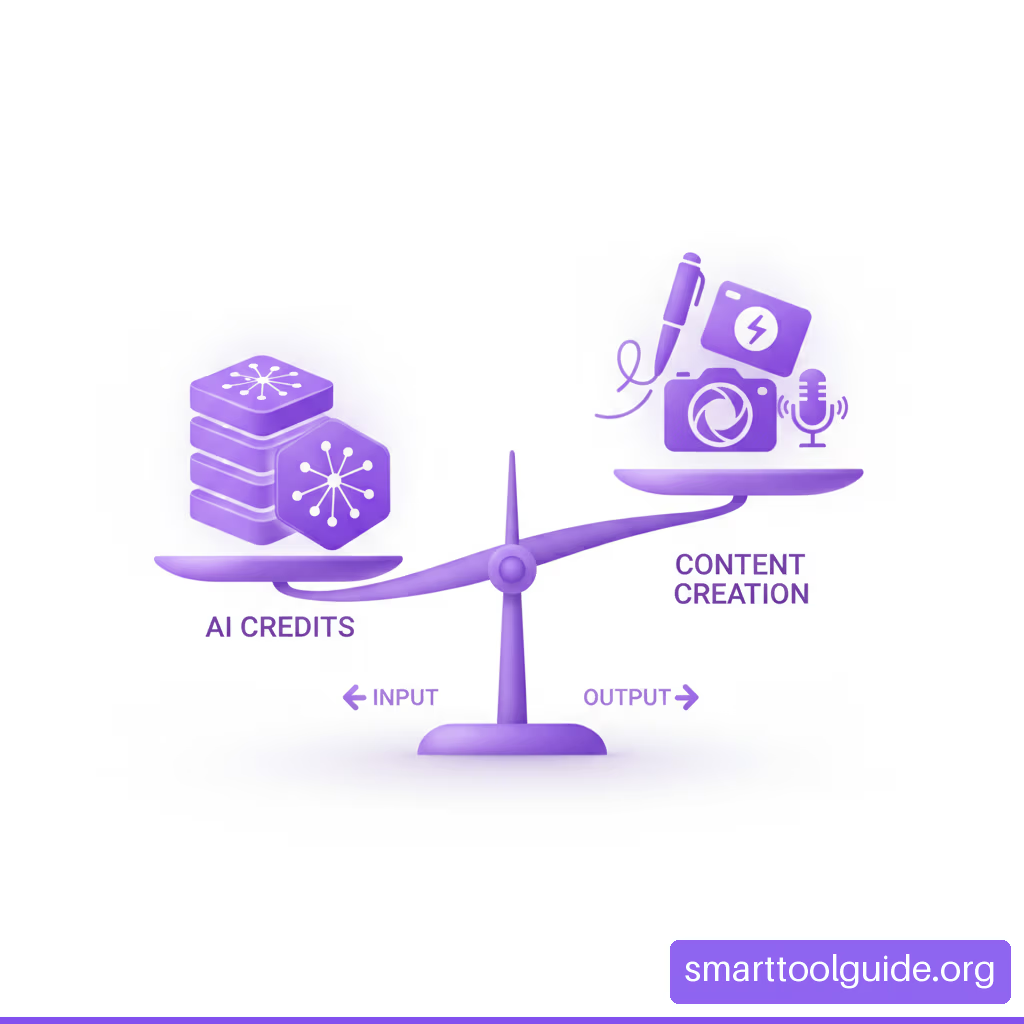
Every interaction with generative features—such as asking the AI Coach for video concepts, requesting AI-generated title variants, drafting descriptions, or rendering thumbnail prompts—deducts units from your monthly allocation. Crucially, unused monthly credits do not roll over to subsequent billing cycles. Once your billing date resets, any remaining balance from the prior period expires.
Monthly Consumption Scenarios Across Features
To illustrate how quickly these credits can be consumed, let’s examine a typical workflow for producing four long-form videos per month. The table below models realistic consumption patterns across typical tasks.
| Production Task | Average Credit Cost per Action | Monthly Frequency (4 Videos) | Total Monthly Credits Consumed |
|---|---|---|---|
| Topic & Concept Ideation | 10 credits per session | 4 sessions | 40 credits |
| Title Variation Generation | 5 credits per batch | 3 batches per video (12 total) | 60 credits |
| AI Description Drafting | 15 credits per video | 4 videos | 60 credits |
| Thumbnail Prompt Generation | 20 credits per concept | 4 concepts per video (16 total) | 320 credits |
| AI Coach Strategic Q&A | 15 credits per query | 10 queries per month | 150 credits |
| Estimated Monthly Total | — | — | 630 credits |
The Cost per Task Breakdown
Under this credit consumption model, creators must manage their AI usage strategically. Generating dozens of minor title tweaks or constantly re-running thumbnail concepts can rapidly exhaust standard credit pools. If a creator depletes their allocation mid-month, AI functionality pauses or requires an account tier upgrade. Therefore, treating AI outputs as initial drafts requiring human refinement—rather than running repeated automated generations—is the most economically efficient approach.
VIDIQ vs TubeBuddy: Finding the Right Creator Tool
The market for YouTube growth software is largely dominated by two primary platforms: VIDIQ and TubeBuddy. While both tools offer overlapping feature sets, their operational philosophy and tactical strengths differ significantly.
Topic Discovery and Keyword Intelligence Strength
VIDIQ places its primary emphasis on real-time trend identification, competitor velocity tracking, and market ideation. Its interface is tuned to show what is happening across YouTube right now, making it particularly effective for channels that build content around trending news, fast-moving commentary, or competitive niche research.
Bulk Operations and A/B Split Testing Capabilities
TubeBuddy, by contrast, traditionally excels in post-production management and bulk administration. Features such as channel-wide link updates, bulk thumbnail updates, and automated thumbnail A/B testing represent areas where TubeBuddy maintains a distinct workflow advantage. Creators managing massive back-catalogs of content often find TubeBuddy’s bulk processing utilities more robust.
Feature Comparison Matrix
To clarify these distinctions, we can compare key capabilities directly:
| Capability / Feature Area | VIDIQ | TubeBuddy |
|---|---|---|
| Primary Architectural Focus | Trend spotting, topic research, AI assistance | Bulk processing, split testing, channel administration |
| Keyword Volume Engine | Directional search index & relative scores | Search volume estimation & weighted channel scoring |
| Competitor Velocity Tracking | Real-time Views Per Hour (VPH) overlays | Channel scoreboards & upload alerts |
| Thumbnail A/B Testing | Limited native split-testing workflow | Integrated multi-variant thumbnail A/B testing |
| Generative AI Integration | Centralized AI Coach & credit-based tools | Dedicated AI assistant modules |
| Mobile App Usability | Topic research & basic channel tracking | Tag management & video milestone tracking |
Plan Selection Framework: Free, Boost, and Max
Choosing the appropriate subscription level depends entirely on your publishing volume, channel scale, and reliance on automated tools. The official US list prices surfaced for Boost and Max are $19/month or $199/year and $49/month or $468/year, respectively.
The Practical Value of the Free Tier
Unlike software trials that lock basic access after a few days, VIDIQ’s free tier functions as a permanent, baseline product. It offers access to basic keyword search features, limited competitor tracking, and a small monthly allocation of AI credits. For a channel publishing one or two videos per month, the free tier provides ample capability to check basic metadata completeness and perform foundational keyword searches without committing financial resources.
Evaluating Boost Tier for Single Channels
The Boost tier represents the core subscription level for individual creators who publish content consistently. Boost unlocks full keyword statistics, expanded historical competitor data, and a higher monthly AI credit pool (typically around 2,000 credits). This tier makes economic sense when your channel is monetized or actively seeking monetization, and the time saved during pre-production research directly translates into higher video output.
Scaled Operations and Multi-Channel Economics with Max
The Max tier expands features to support multiple channels alongside personalized coaching modules and maximum credit allocations (often up to 6,000 credits). Multi-channel managers and boutique agencies benefit most from this tier. However, for a single creator operating one channel on a tight budget, the price jump to Max rarely delivers a proportional return on investment unless the creator heavily relies on intensive AI Coach consulting.
To aid your evaluation, consider this simple selection framework:
- Select Free if: You publish fewer than 3 videos per month and only need basic keyword checks.
- Select Boost if: You manage 1 active channel, publish weekly, and require full trend detection and keyword data.
- Select Max if: You manage 3 or more channels simultaneously or rely on extensive daily AI generations.
Common Risks, Known Bugs, and Optimization Pitfalls
No software utility is without operational flaws. Relying uncritically on software recommendations without maintaining creative oversight can negatively affect your channel’s performance.
Generic AI Outputs and Human Override Needs
Generative AI models synthesize patterns from across the internet, which means their default suggestions can easily sound generic. If five creators in the same niche use the same AI tool to generate titles for a video about laptop reviews, all five may receive nearly identical titles containing overused phrases like “Ultimate Guide” or “Don’t Buy Until You Watch This!”
Creators must treat AI outputs as raw starting points. Always inject unique brand voice, specific narrative angles, or channel-specific context into title drafts to avoid blending into a sea of identical recommendations.
Software Bugs and Interface Performance Issues
Browser extensions that inject complex JavaScript elements into dense web applications like YouTube occasionally encounter performance hiccups. User reports regularly highlight technical minor friction points. Reported concerns include limited free-plan features, limited historical data, occasional AI inaccuracy, and mobile performance issues.
Furthermore, a creator reported finding vidIQ useful for learning YouTube SEO and using its statistics while also encountering bugs. These issues typically manifest as temporary extension crashes, delayed data loading on video pages, or sync errors between the extension and the web dashboard. Keeping your web browser updated and clearing extension caches periodically helps mitigate these technical disruptions.
A Failure-Mode Checklist for Creators
To safeguard your publishing strategy, run through this practical checklist before committing to tool-driven changes:
• The Keyword Stuffing Trap: Avoid copying dozens of semi-relevant tags or stuffing description boxes with keyword lists. YouTube prioritizes natural readability and viewer engagement over tag density.
• The Trend Chasing Trap: Do not pivot your entire channel strategy to cover an outlier topic flagged by VIDIQ if that topic has zero relation to your core audience interest.
• The Metric Blindness Trap: High search volume metrics do not guarantee high click-through rates. Always prioritize visual thumbnail appeal and compelling narrative hooks over search volume numbers alone.
• The Scope Misunderstanding: A discussion excerpt described vidIQ as useful for new creators’ thumbnails and titles but less compelling beyond those tasks. Recognize when your channel has outgrown metadata tweaks and requires deeper investment in storytelling and video editing.
Frequently Asked Questions
What is VIDIQ, and who is it designed for?
VIDIQ is a web-based research, analytics, and optimization platform designed for YouTube creators. It provides keyword search data, competitor tracking tools, trend notifications, and generative AI features to help creators make informed content decisions and improve video discoverability.
Is VIDIQ officially affiliated with YouTube?
VIDIQ is an independent third-party software company. However, its software uses YouTube’s official API to securely access authorized channel data and public statistics. It complies with YouTube’s Developer Terms of Service.
Is VIDIQ free to use?
Yes, VIDIQ provides a baseline free plan that remains accessible indefinitely. The free plan includes essential keyword search features, basic channel statistics, and a limited monthly pool of AI credits without requiring a credit card.
What do Boost and Max add over the free plan?
Paid plans expand analytical limits significantly. The Boost plan adds full keyword volume statistics, deeper competitor historical analysis, and expanded AI credit pools. The Max plan adds support for multiple YouTube channels, advanced AI Coach tools, and higher usage thresholds.
How accurate are VIDIQ keyword scores and search-volume estimates?
VIDIQ search volumes are directional relative estimates calculated from broad web queries and user behavior models, rather than exact counts directly from YouTube’s internal database. They are best used to compare relative popularity between related terms.
Can VIDIQ guarantee more YouTube views or subscribers?
No software tool can guarantee algorithm promotion or subscriber growth. VIDIQ assists with research, topic validation, and metadata optimization, but actual channel growth depends on content quality, thumbnail click-through rates, and audience retention.
How many AI credits does each VIDIQ plan provide?
Credit allocations vary by plan level and promotional period. Typically, free accounts receive a minimal monthly allowance (around 150 credits), while Boost accounts receive significantly larger allocations (often 2,000 credits), and Max accounts receive up to 6,000 credits monthly.
What happens when VIDIQ AI credits run out?
Unused credits do not roll over from month to month. If you exhaust your credit allocation before your billing cycle resets, generative AI tools will pause until the start of the next billing period unless you upgrade your tier.
Sources
• vidIQ — Pricing & Plans: https://vidiq.com/plans/
• Alan Spicer — vidIQ Review & Complete Guide: https://alanspicer.com/vidiq-review-complete-guide-2026/
• SoftwareSuggest — VidIQ Reviews: Pros & Cons from Verified Users: https://www.softwaresuggest.com/vidiq/reviews
• Reddit — My Experience With VidIQ: https://www.reddit.com/r/letsplay/comments/4d5ws4/my_experience_with_vidiq/
• Reddit — Is Anyone Still Using vidIQ?: https://www.reddit.com/r/NewTubers/comments/1qxfoge/is_anyone_still_using_vidiq/